 Make it yours
A LITTLE LIBRARY OF POSSIBILITIES
Thought bubble PNGs
Download blank thinking clouds and thought bubble clipart with transparent backgrounds. Choose a circle trail direction, add your own words, or save an original PNG.
FROM DOWNLOAD TO DIALOGUE
A place for the unspoken.
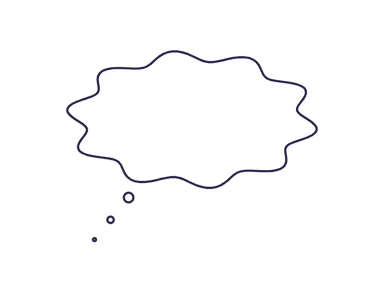
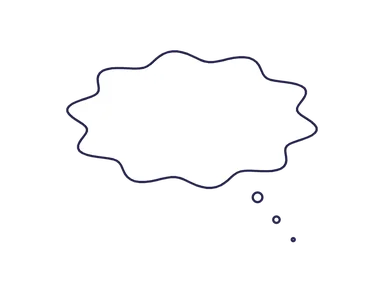
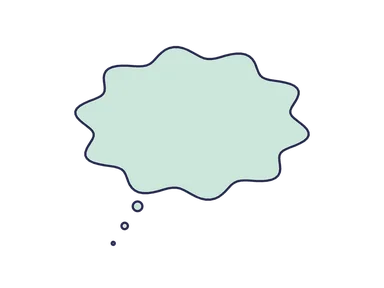
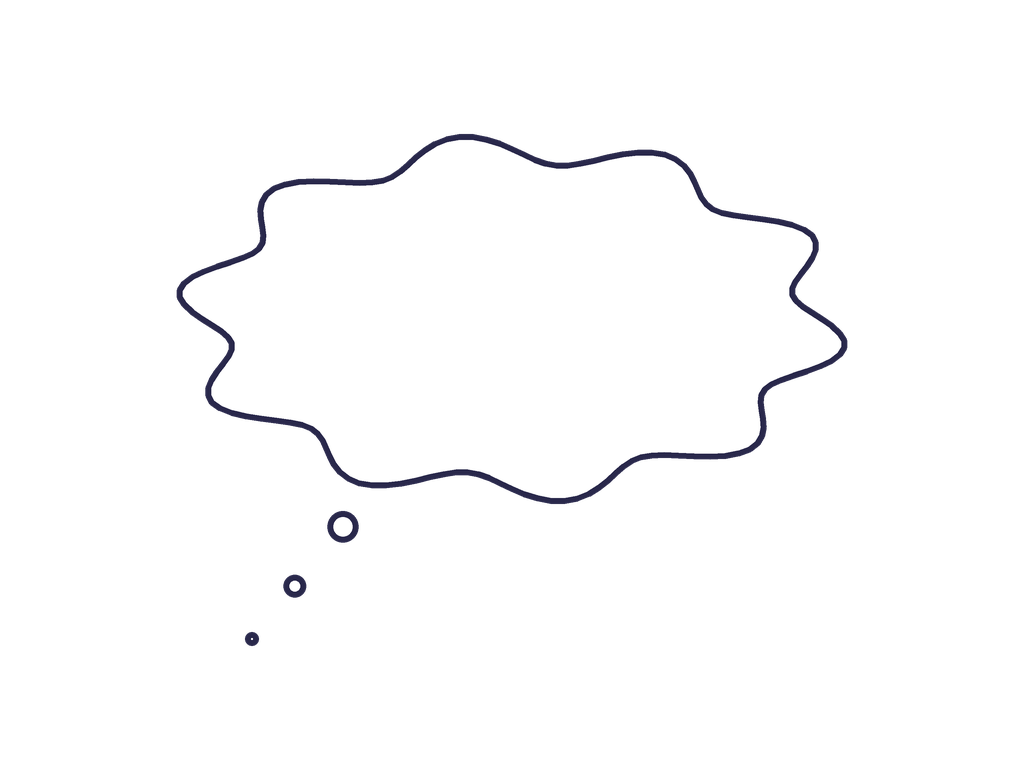
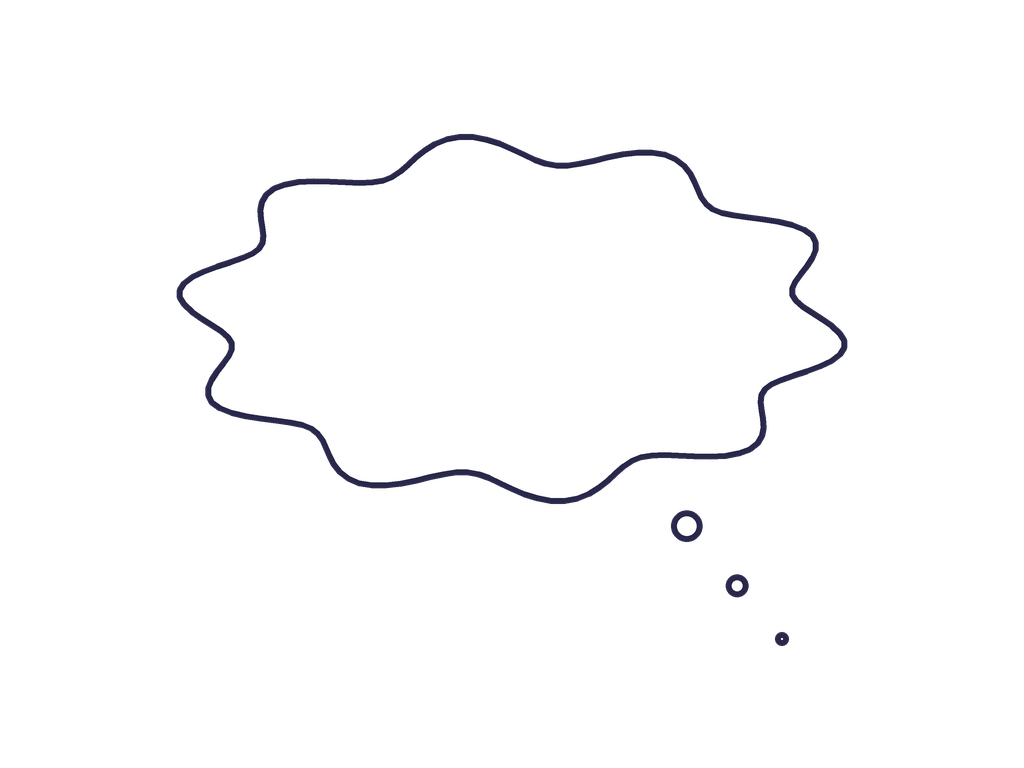
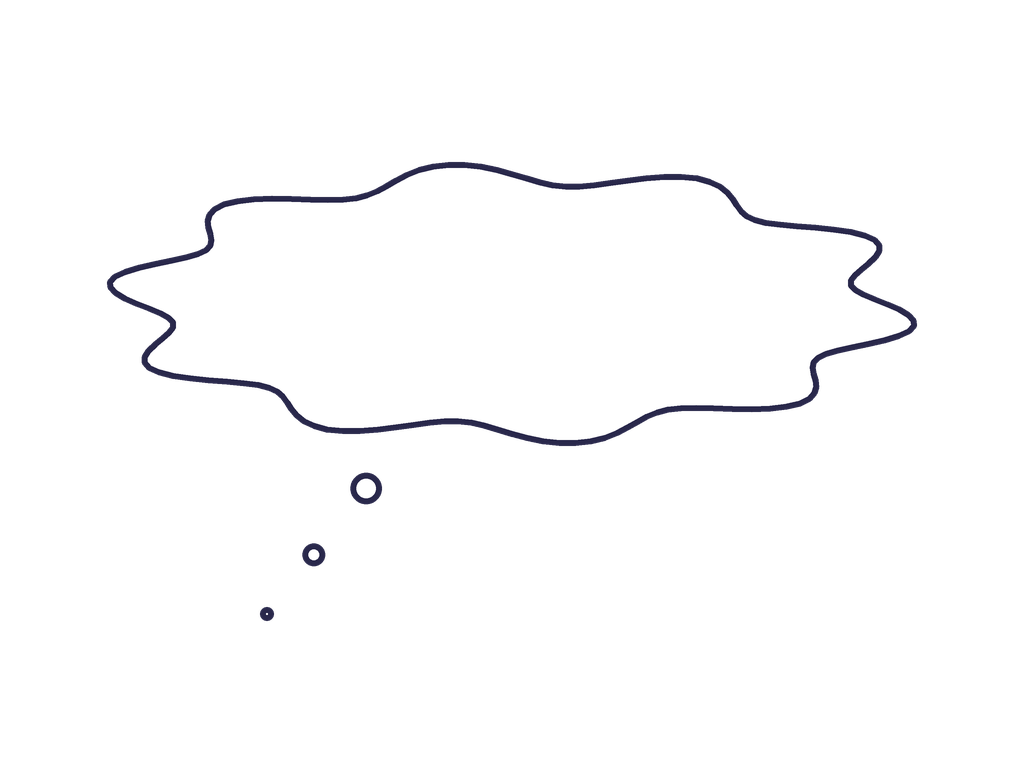
Thought bubbles use a cloud outline and a trail of small circles to show what a character is thinking. Pick a direction that leads back toward the thinker.
Add your own wordsUsing your PNG
- Choose a shape and select Download PNG.
- Place the PNG as a new image or layer in your design app.
- Add text inside the shape and leave a little breathing room.
The checkerboard is only a transparency preview; it is not part of the downloaded file. Each PNG has a transparent outer canvas and a filled bubble interior.
Thinking clouds
Thought bubble, thinking bubble or thought cloud?
These names commonly describe the cloud-shaped balloon used for a character’s unspoken thoughts. A trail of small circles leads from the cloud toward the thinker. A speech balloon usually has a pointed tail and presents spoken dialogue instead.
Use a thinking cloud for “Did I leave the oven on?”, a daydream or an imagined reply. Use a regular speech bubble for words another character can hear. The guide to speech and thought bubble meanings compares both with illustrated examples.
Add it to a photo
Put a transparent thought bubble over a person or pet
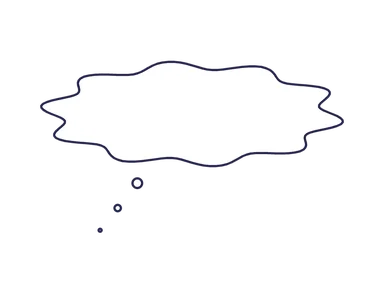
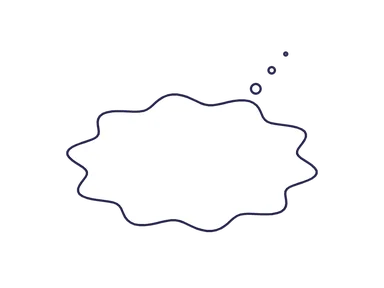
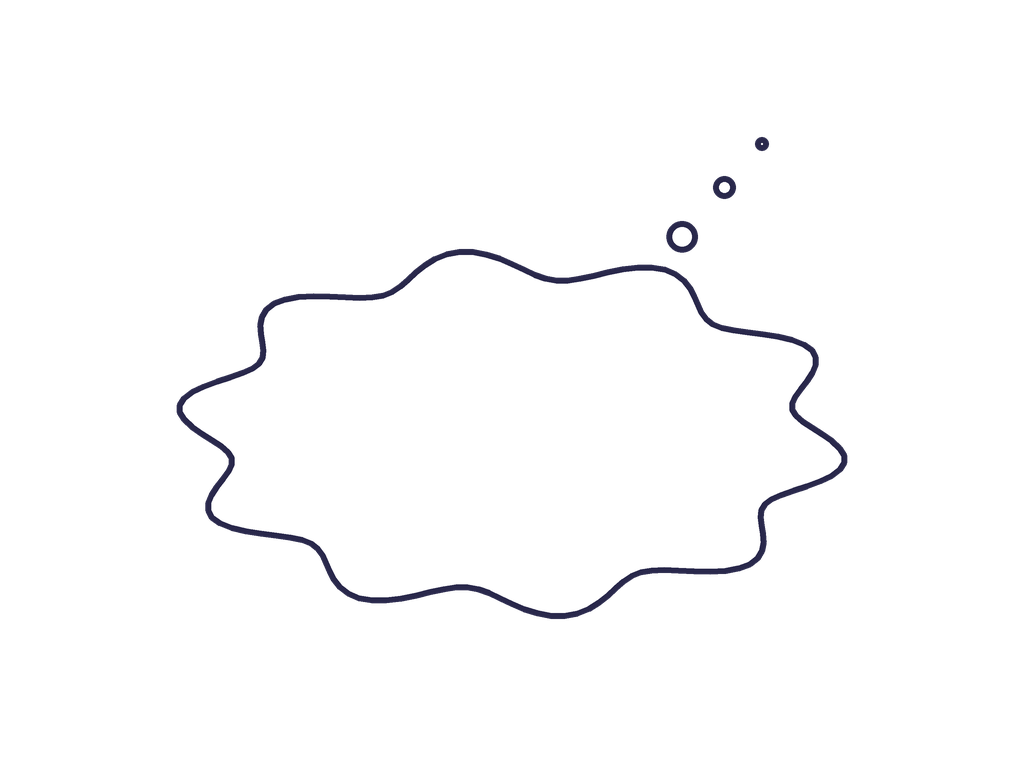
- Choose a cloud with a circle trail that leads toward your subject. The library includes left, right, wide and upward-trail arrangements.
- Download the PNG and place it above your photo in a design app, or choose Edit to customize it in the browser.
- Add a short thought and keep the cloud clear of the person’s face. Let the circles lead toward the head without touching it.
- Check the text against the white or colored fill, then export the finished image.
The downloads are blank thought bubble clipart, without a person or stock photo included. To add a thought bubble to your own picture, open the editable thought bubble template and upload your image.
Size & transparency
Download a blank thought bubble with a transparent background
Each original thinking bubble PNG is 1024 × 768 pixels with transparency outside the cloud and its circle trail. The filled interior gives your words a clear background. The checkerboard is only a preview and will not appear in your file.
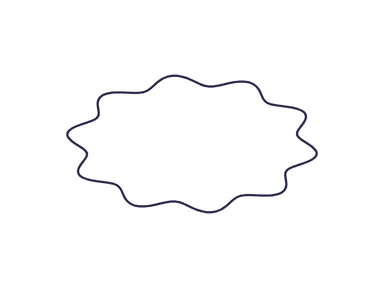
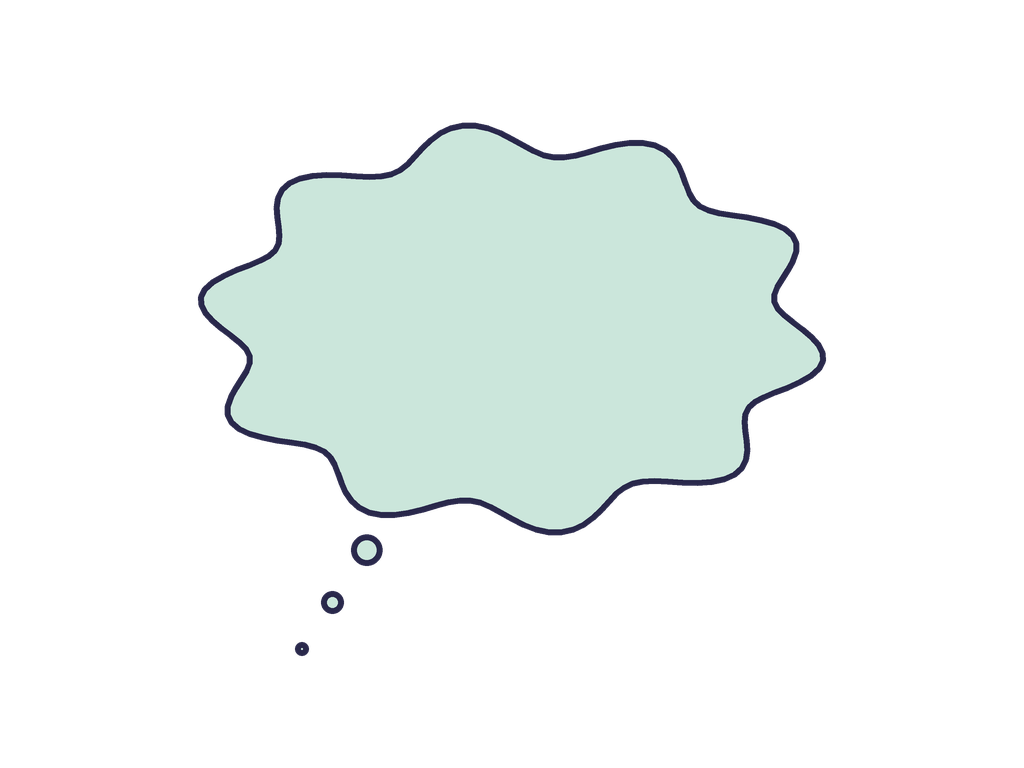
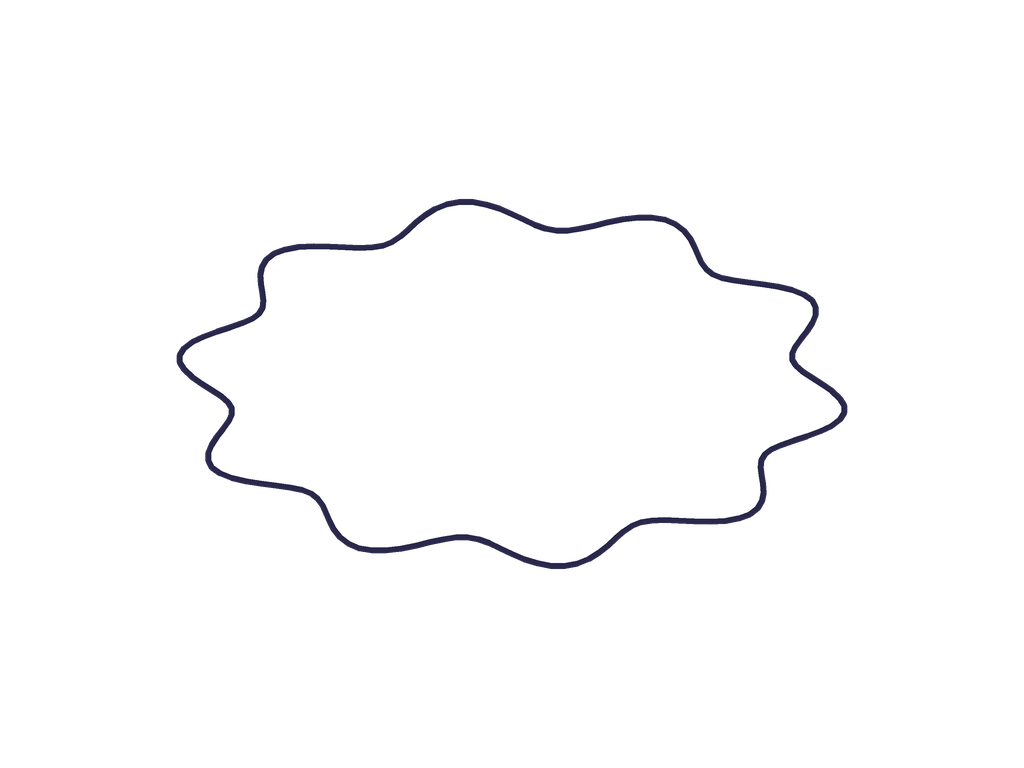
Choose the mint cloud for a colored starting point, or change the fill and outline after selecting Edit. The trail can be moved independently in the maker. The no-trail cloud is useful when you want the cloud silhouette alone, though the surrounding illustration must make the intended meaning clear.
PNG is the available original download format; these are raster images rather than SVG vectors. The shape usage terms allow personal and commercial designs without required attribution. If your scene needs spoken dialogue as well, pair it with a speech bubble PNG.
BEFORE YOU DOWNLOAD
A clear little answer.
Can I use these in commercial work?
Yes. These original blank shapes may be used in personal and commercial designs, with or without attribution. See Shape usage for the scope of this permission.
Can I change the colors or add text?
Select Edit on a card to open that original shape in the maker. Change its text, fill, outline and tail, then export your own version.
Why is the inside of the bubble white?
Transparent background refers to the space outside the bubble. The white or colored fill inside keeps dialogue readable over a busy picture.
Are SVG or animated GIF files available?
This collection provides static PNG files. The editor exports PNG, JPG, WebP and animated GIF. Open a template with Edit to animate it; SVG downloads are not available.